7. Running simulations
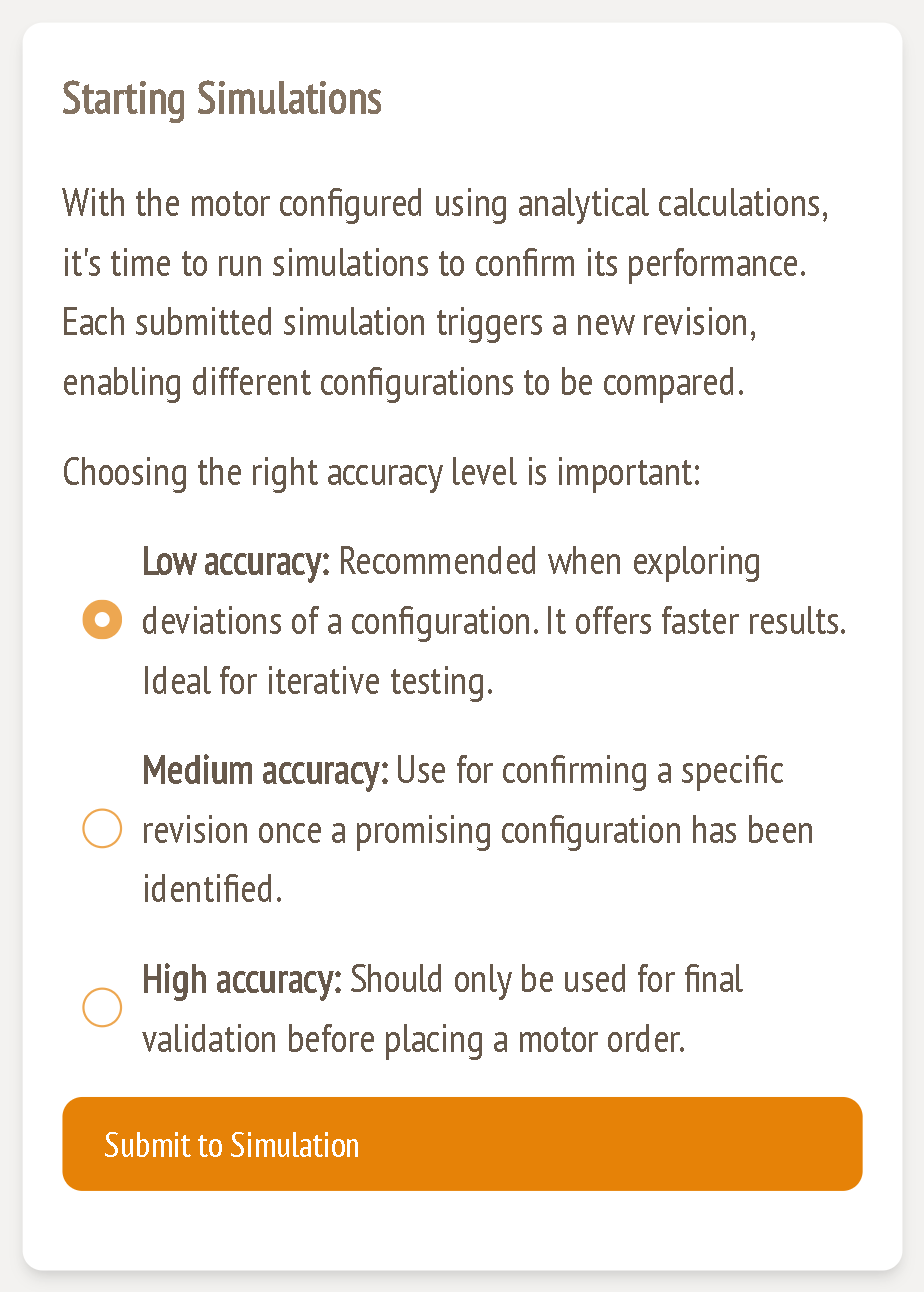
The analytical results are fast estimates. Simulations use a 3D finite-element model of your exact design to confirm the back-EMF, torque, harmonics and losses. Every submission creates a new revision, so you can go back to earlier versions and compare them.
Before you submit
- All warnings are green or amber. Red warnings mark the configuration invalid (guide 1).
- The back-EMF is near the 0.80–0.95 band and the current density is at or below 8 A/mm² (guide 3).
- The air gap torque comfortably exceeds the torque per stack (guide 6).
If nothing has changed since the last revision, the configurator stops you with: "A simulation with identical parameters already exists for this configuration. Please modify the parameters before submitting a new simulation."
Choosing the accuracy level
| Level | Use it for |
|---|---|
| Low accuracy (default) | Exploring variations of a design. Fastest results. Ideal for iterating. |
| Medium accuracy | Confirming a specific revision once you've found a promising configuration. |
| High accuracy | Final validation before placing a motor order. |
Choose a level and click Submit to Simulation. The new revision appears in Simulation results and fills in as the jobs finish.
Revisions and the revision bar

| Element | Function |
|---|---|
| ‹ Revision 1 / 5 › | Step between revisions. All result cards below show the selected revision. |
| ● 29 completed | Number of simulation jobs for this revision that have finished, including efficiency map points. |
| ● 1 error | Jobs that failed. A failed efficiency map point shows as a gap in the map and as "error" in its data table. |
| Compare | Opens the side-by-side comparison of all revisions (guide 10). |
| Generate Efficiency Map | Queues an efficiency map for the selected revision (guide 9). |
Tokens
Simulations are paid for with tokens. Dialogs that start paid jobs, such as the efficiency map and operating points, show your available tokens and the cost before you confirm. For example, the efficiency map dialog in the example design says each grid point runs one simulation of about 1.58 h at 1 token per hour.
A good iteration loop
- Change one or two parameters at a time, based on the analytical feedback.
- Submit at low accuracy.
- Check back-EMF, harmonics and max-current results (guide 8).
- Use Compare to see which change helped (guide 10).
- Once you're happy, confirm the best revision at medium accuracy, then generate an efficiency map.
- Use high accuracy only for the final design, before ordering.